Calculate the perfect grid for your canvas
Create a grid over your reference image and get the exact measurements to transfer it to canvas.
Download on Google Play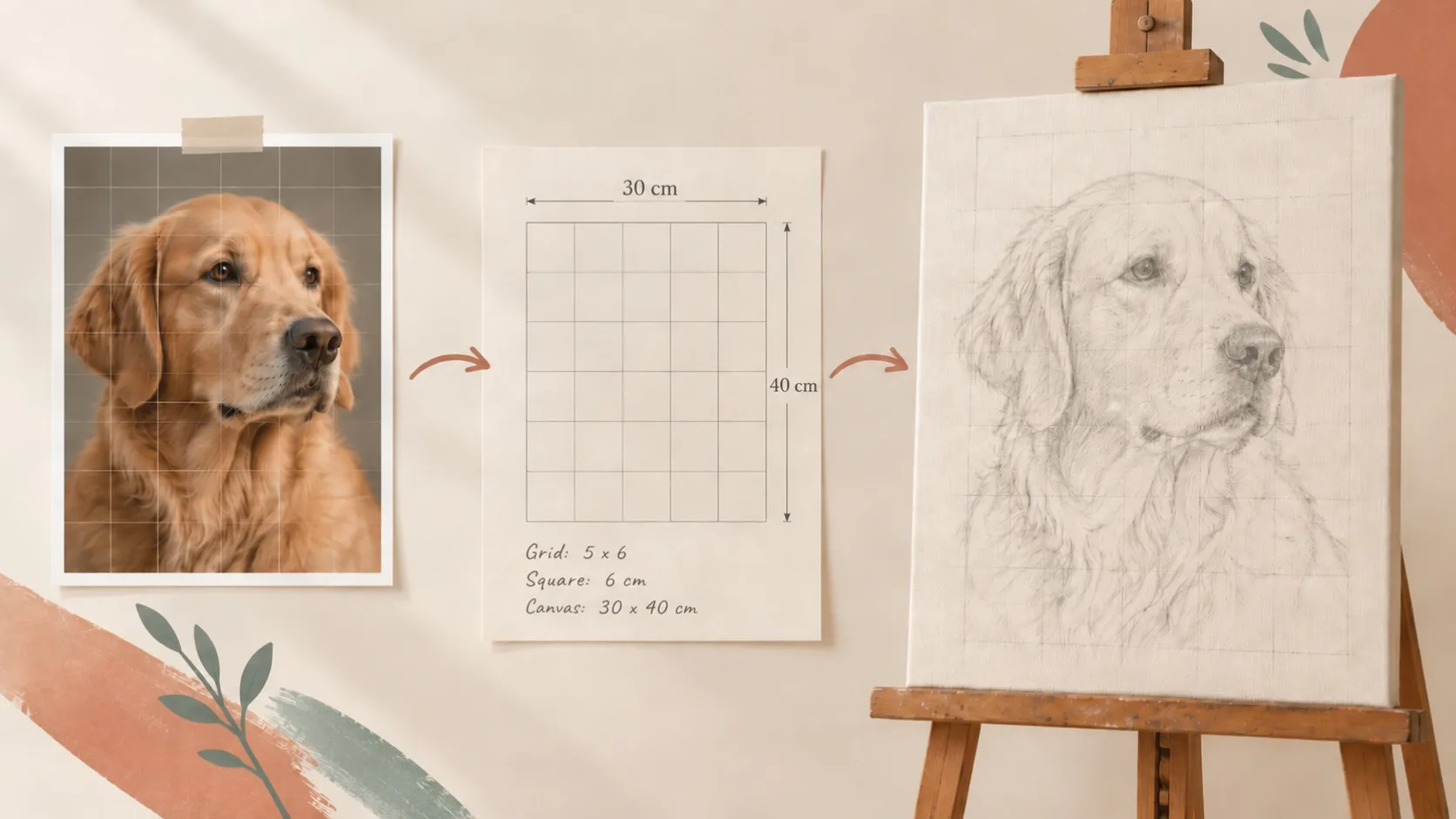
Prepare the grid for your canvas
Customizable grid for your image
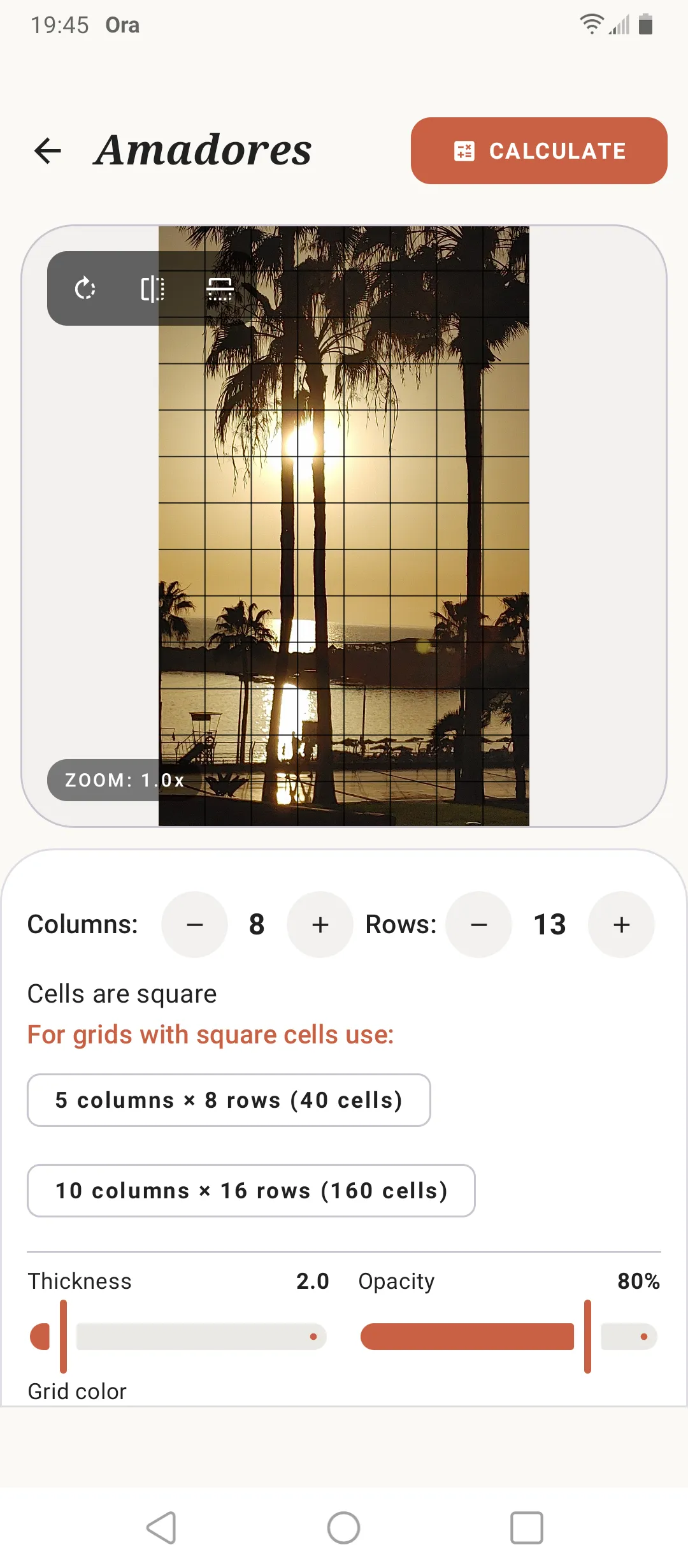
Overlay a customizable grid on any reference image and adjust rows, columns, color, thickness and opacity. Add numbering and visual guides whenever you need them.
Square cells in one tap
Let SOS Artista automatically calculate the rows or columns needed to create square cells, without doing the calculations manually.
Calculate exact measurements for your canvas
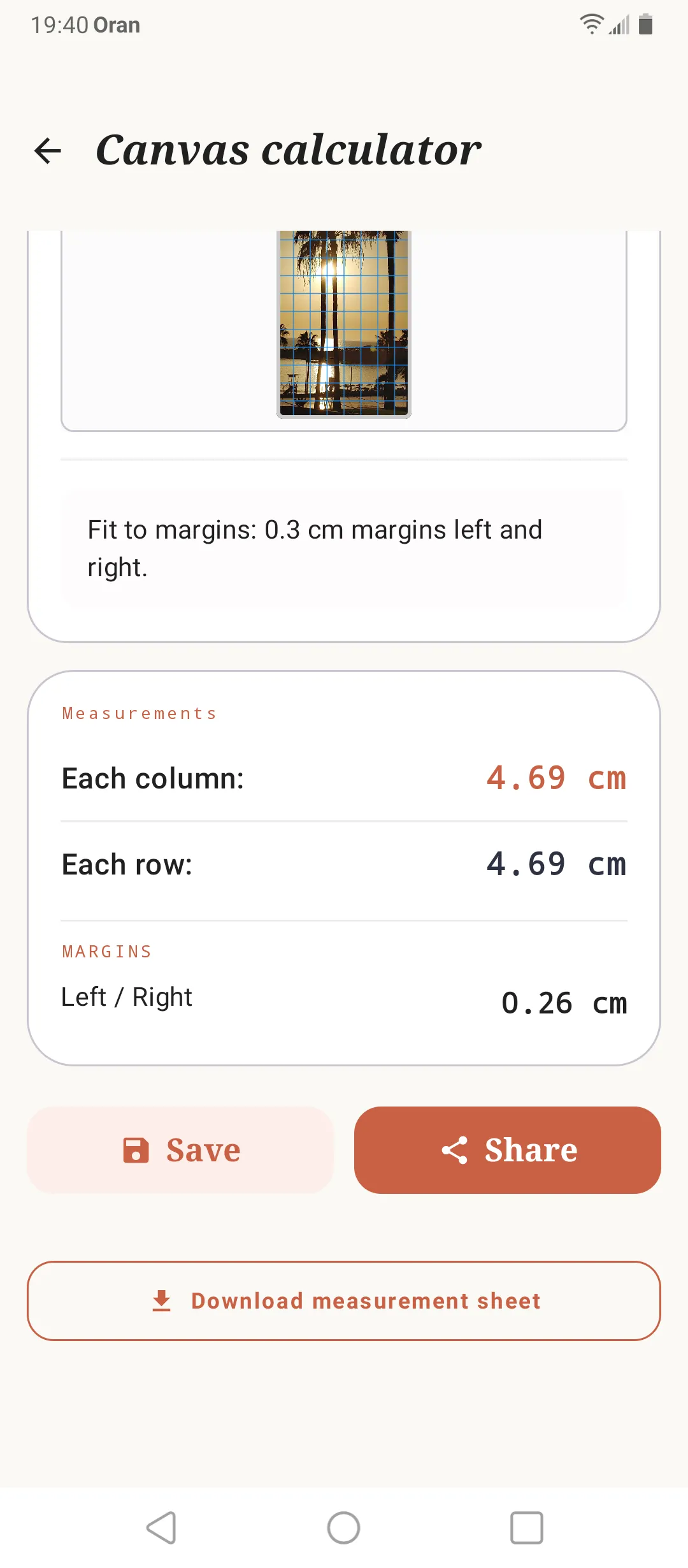
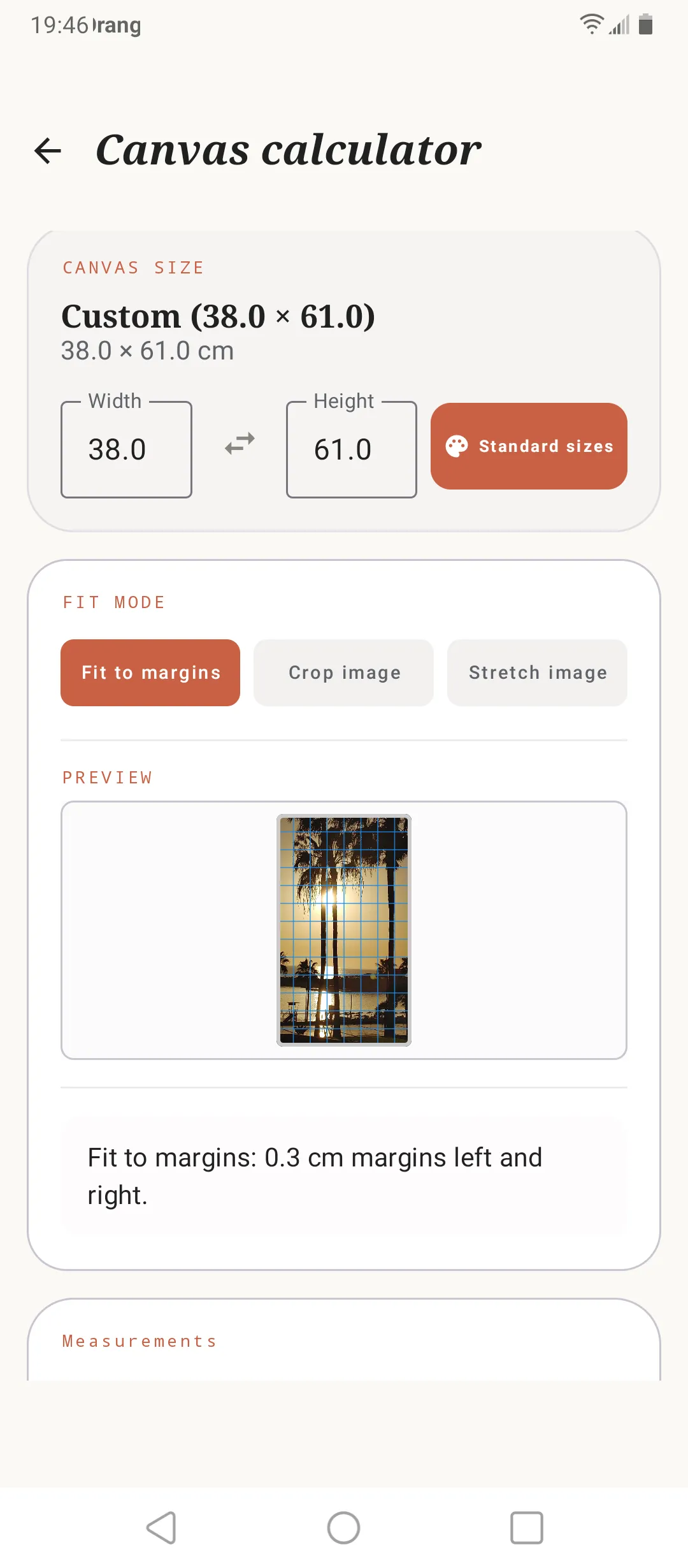
Choose your canvas size (standard F, P or M formats, or your own dimensions) and get the exact distance between the lines you need to draw the grid on the canvas.
Fit the reference to your canvas
Compare the proportions of your image and canvas and decide how you want them to fit. Adjust the reference before calculating the grid and its measurements.
Organize each artwork as a project
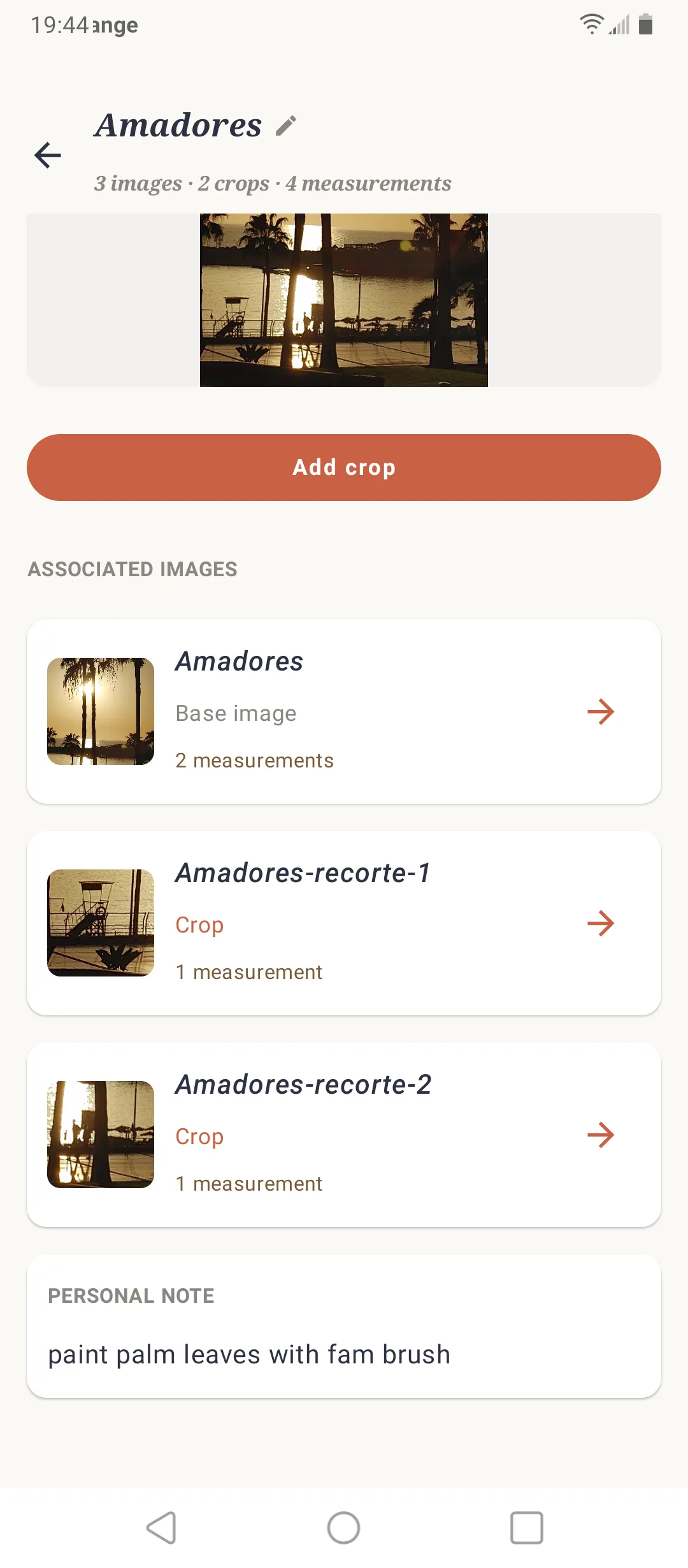
Everything you need in one place
Keep the reference image, its grids, measurements and notes together in the same project so each artwork stays organized.
Work on each detail separately
Create crops of specific areas of the reference and give each one its own grid and measurements.
Add notes to your process
Save notes, decisions or useful information with each project so you can refer to them while working on your artwork.
Analyze light, shadow and values before you paint
Study the tonal structure of your reference before you start painting.
Grisaille
Convert your reference image to grayscale to study the relationships between light and shadow more clearly before you paint.
Simplify the values
Reduce the image to a limited number of tones to identify the main value masses and avoid getting lost in details.
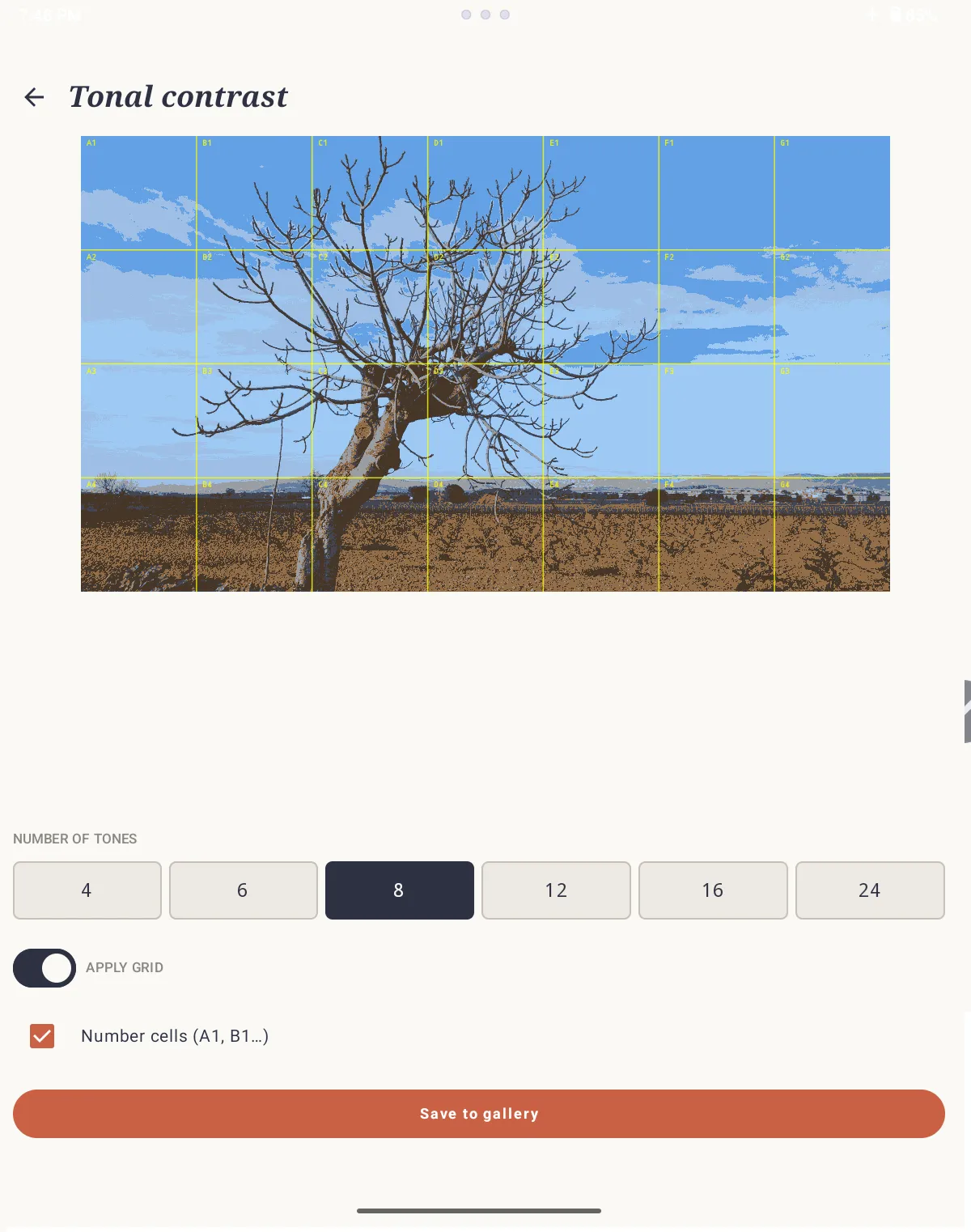
Tonal contrast
See differences in value more clearly to identify areas of light, shadow and transition within the composition.
Your references stay yours
SOS Artista works without an account and without an internet connection. Your images, projects, crops, measurements and notes stay on your device.
You do not need to send your images to any server to prepare your grids and measurements. Everything stays on your own phone or tablet.
Tutorial
- 1
Choose a reference image
Take a photo or import an image from your gallery and create a project for the artwork you want to prepare.
- 2
Set up the grid
Choose the number of rows and columns, customize the grid or use square cells to adjust it automatically.
- 3
Enter the canvas measurements
Select a standard format or enter the width and height of your own canvas.
- 4
Fit the reference to the canvas
Check how the proportions of the image and canvas fit together and adjust the reference before calculating the final grid.
- 5
Get the grid measurements
SOS Artista calculates the distance between the lines and the margins so you can reproduce the grid on the canvas. Save, download or share the measurement sheet if you want to keep it at hand while you paint.
- 6
Draw the grid and start painting
With the measurements at hand, draw the grid on the canvas and use each cell as a guide to transfer the shapes and proportions of your reference.
Download SOS Artista free for Android
Prepare your references, grids and measurements before you paint. Free, with no ads, subscriptions or tracking.
Download on Google Play